P-REMOTE wireless pendant
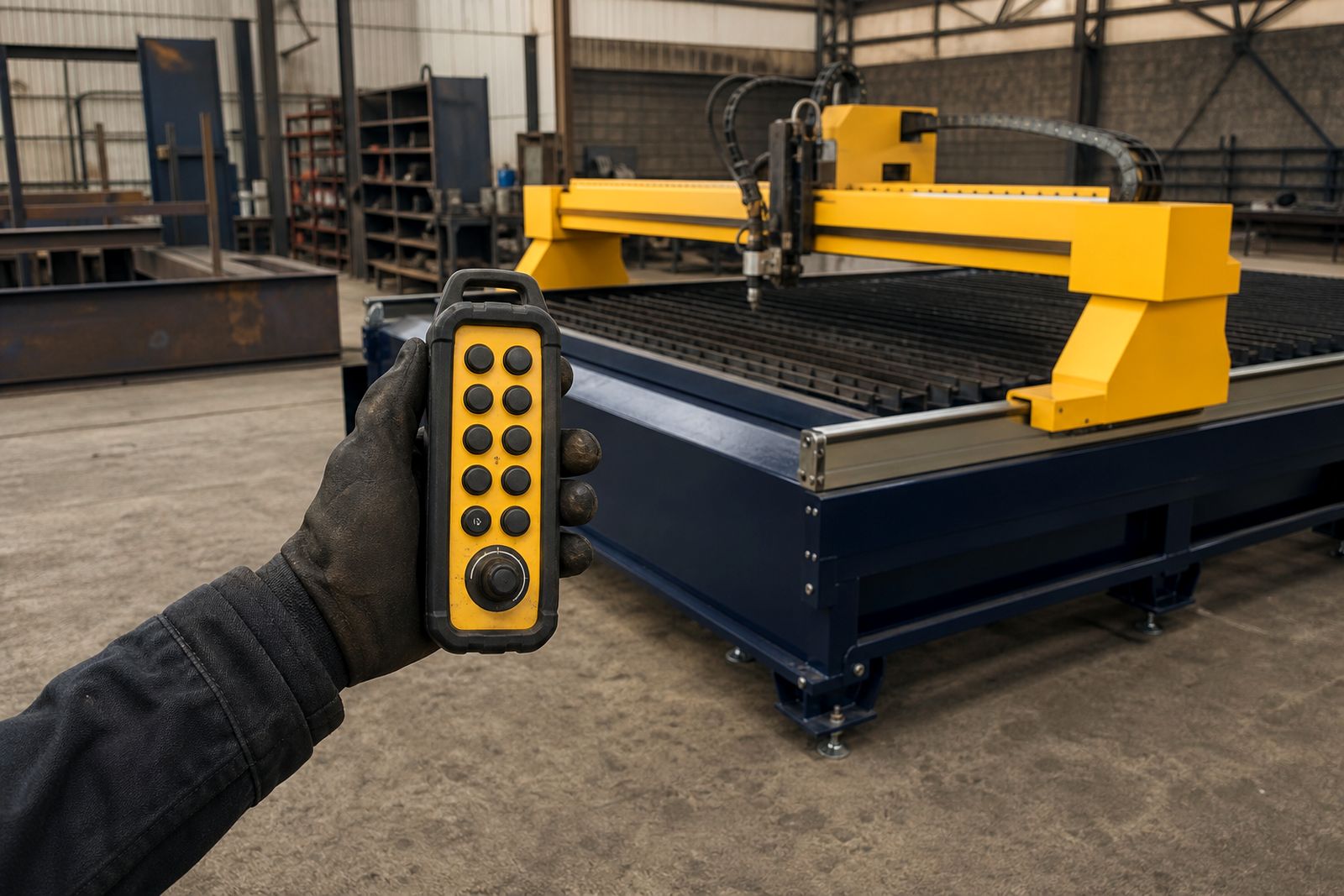
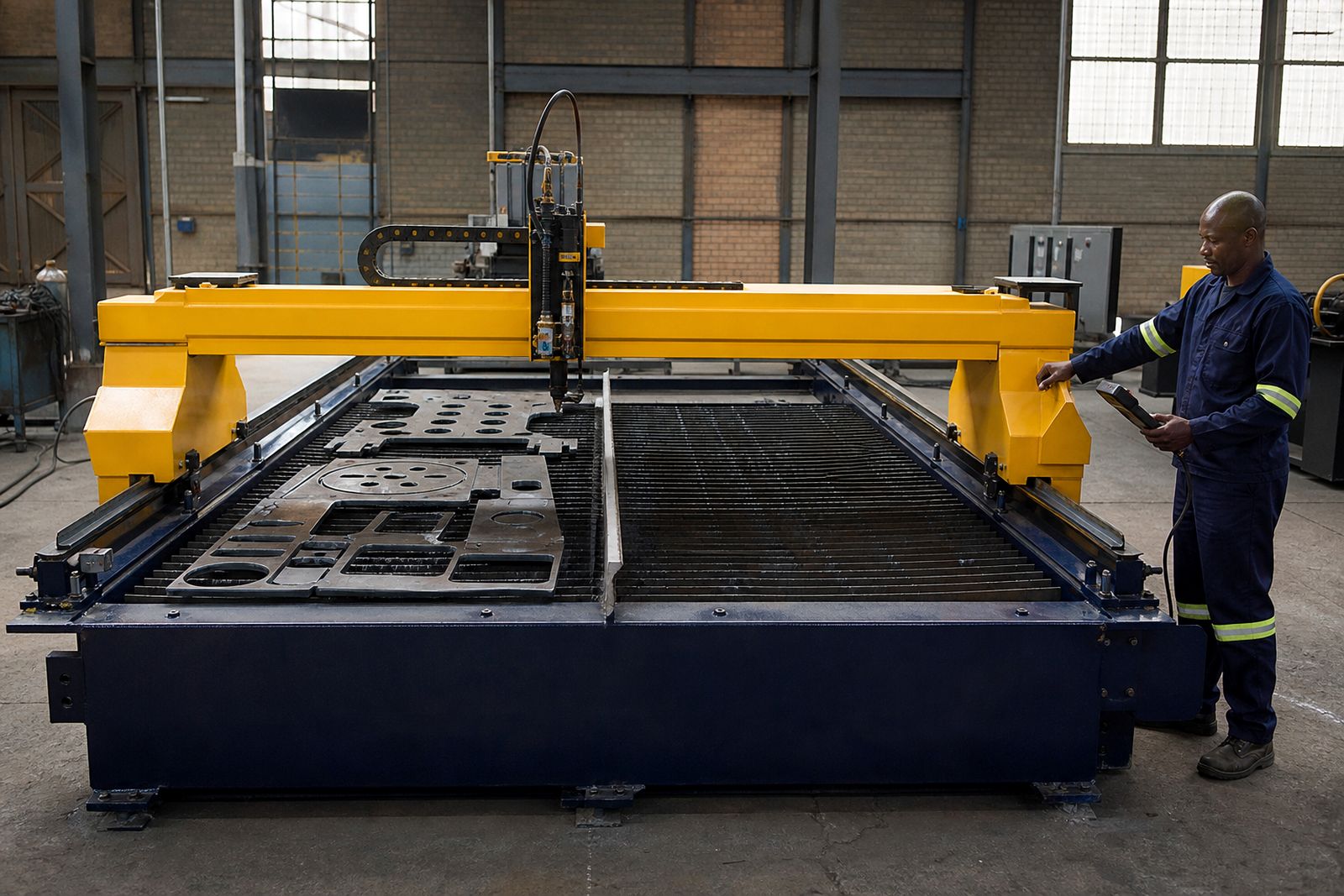
P-REMOTE puts basic machine movement and pause control in your hand while you stand where the sheet and torch are. It is a practical option when the operator often loads large plate alone or needs a clearer view at the far end of the bed.
What P-REMOTE adds on the machine
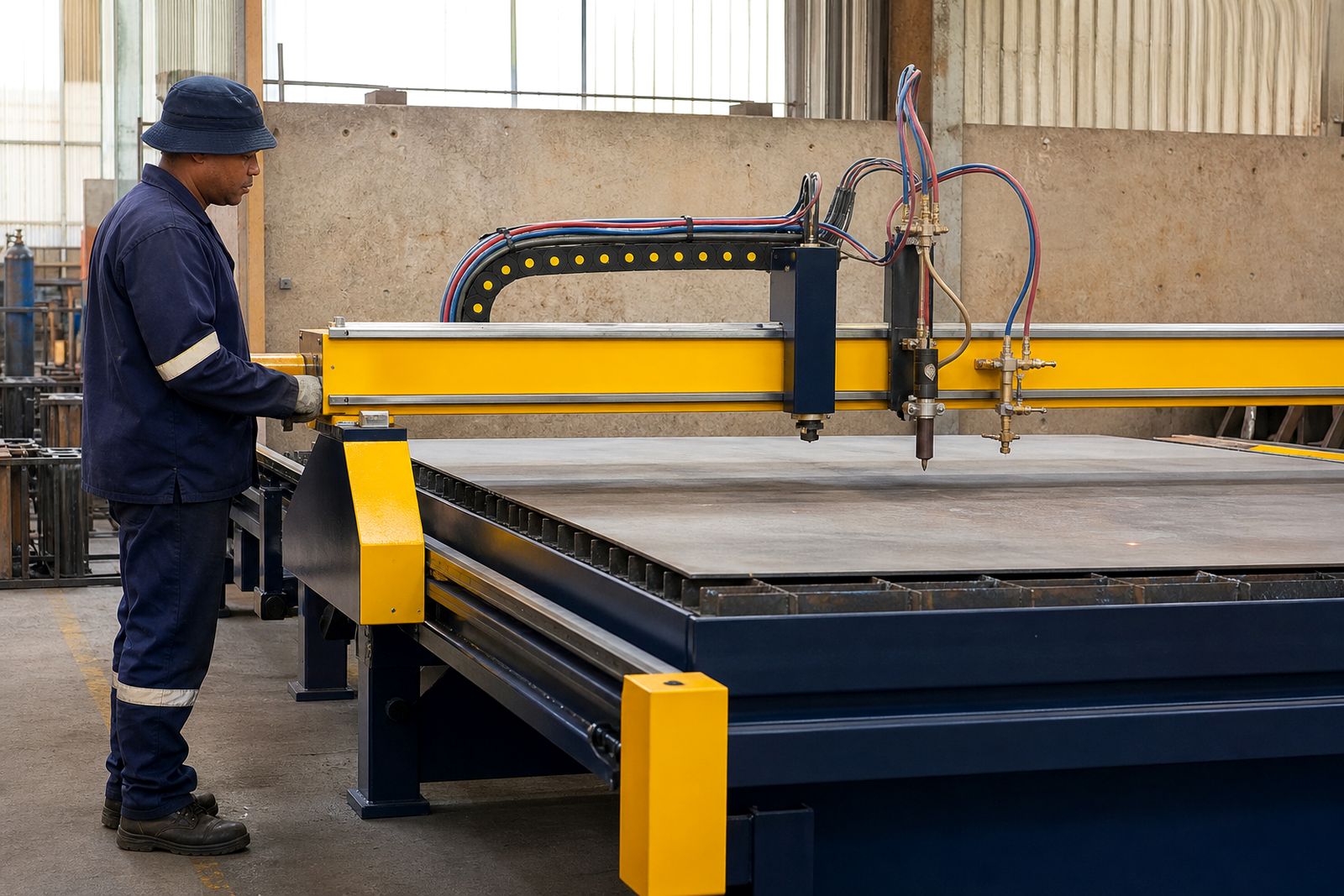
The standard machine is run from the operator stand, and some jobs call for the operator to watch the torch, plate edge or starting point from another position. P-REMOTE adds a wireless pendant so the operator can jog the axes, set work origin and pause motion while standing next to the sheet. On a 2 500 mm or 3 000 mm long bed that saves a lot of walking and it helps when one operator is loading and checking alignment on their own.
The pendant gives the operator local movement and pause control for the moves and checks that matter on the floor, close to the material. You still use the main control for normal setup, file loading and cut program handling.
- Jog movement for axis positioning
- Origin setting at the sheet corner or marked start point
- Pause control during setup or cut observation
- Use from either side of the bed within the operating range
Where it earns its keep
This option is most useful on larger sheets where the operator needs to stand far from the control during alignment. A 2.0 x 3.0 m bed shows the benefit clearly, especially when full plate is loaded by forklift and the operator checks squareness from the opposite side. It also helps on a 1.5 x 3.0 m machine where parts are nested close to the far rail and small jog corrections are easier to judge from the cutting area.
Shops cutting repeated smaller blanks from short drops often use it less often. If the operator is almost always working near the operator stand, the standard setup can be enough. Where the floor is busy and the machine is loaded with mixed sheet sizes, the pendant usually gets used more than expected.
- Worth adding when one person loads and sets the plate
- Useful where the machine is placed with only one easy walkway side
- Helpful for checking torch position over marked features or pilot holes
- Less critical on very short, repetitive runs with fixed loading habits
How it is fitted and set up
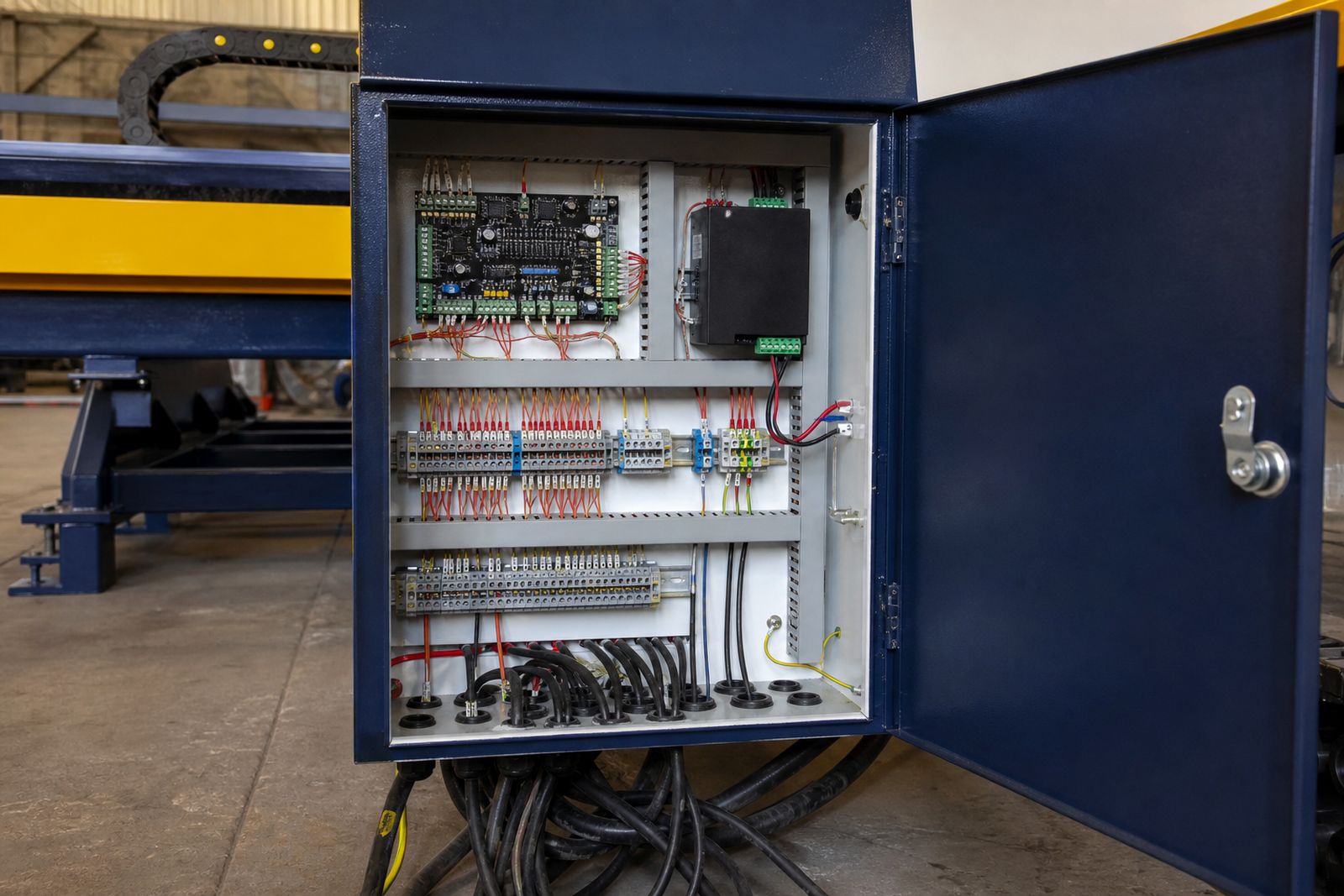
P-REMOTE is configured with the machine during build, then paired and tested during commissioning on your floor. The receiver is mounted with the control system and integrated with the machine controls so the pendant commands work as intended with the selected option set. During handover the operator is shown where the pendant belongs in the work sequence, when to use it and when to return to the main control.
Range checks are done in the actual workshop because walls, stacked plate and nearby electrical equipment can affect signal behaviour. Range testing focuses on giving the operator reliable control at the positions they genuinely use around the bed within the cutting area.
Battery care and storage matter here. A pendant left loose on plate racks or under offcuts soon becomes a nuisance, so we set out a practical place for it during commissioning.
Compatibility across the standard bed range
P-REMOTE is offered on the standard-bed machines in 1.3 x 2.5 m, 1.5 x 3.0 m and 2.0 x 3.0 m format. It works alongside the usual machine controls and it can be combined with options such as torch-height control, a flame-cutting torch, bed dividers and the operator stand. The exact function set on the pendant follows the machine configuration, so the operator only gets the controls relevant to that build.
P-REMOTE is configured on our standard-bed builds across the standard gantry range. Work that calls for a machine outside the 1.3 x 2.5 m, 1.5 x 3.0 m or 2.0 x 3.0 m formats needs a different machine brief.
- Compatible with P-1325T, P-1530T and P-2030T
- Can be specified with P-THC, P-THC/ARC or P-THC/MEC
- Can be used on builds that include P-FLAME
- Set up with the machine control package during commissioning
Mistakes that cause trouble on the floor
The biggest mistake is treating the pendant like a full-time operating station. It is for local positioning and pause control and does not run every part of the machine cycle from wherever the operator happens to be. Another common issue is trying to set origin without checking sheet squareness first. The pendant makes origin setting easier, and a skewed plate still needs to be corrected before cutting.
Some shops also hand the pendant to anyone nearby without a clear operating routine. That can lead to accidental movement when a second person is unloading cut parts. Good practice is simple: one operator in control, clear line of sight to the machine, and the pendant kept in its assigned spot when not in use. It sounds obvious, but on a noisy floor people get lazy.
P-REMOTE at a glance
If your machine bed is long enough that walking to the operator stand interrupts setup, P-REMOTE is one of the more useful add-ons. It makes positioning, checking and pausing more practical where the sheet actually is.
- Hand-held wireless pendant option
- Used for jogging, origin setting and pause control
- Built and configured with the machine, not added loosely later
- Available on 1.3 x 2.5 m, 1.5 x 3.0 m and 2.0 x 3.0 m standard-bed machines
What our CNC Plasma Machine customers say
Verified Google reviews
Questions we get asked
Does the pendant replace the main control?
The pendant handles local movement and pause tasks near the sheet, while the main control remains the primary station for machine setup and program operation.
Is P-REMOTE only useful on the P-2030T machine?
The gain is most obvious on longer beds, and many P-1530T operators value it for alignment checks and origin setting near the far rail.
Can you add P-REMOTE to another make of plasma machine?
P-REMOTE is configured on our standard-bed builds only and we do not retrofit other makes.
Also worth a look
Tell us about the job
Send sizes, materials and where you are through our contact form, and we will come back with the practical options.
Open the contact form